
Follow the steps below to manually add an OLT to an existing project. This method is suitable for adding a small number of OLTs:
Step 1: Navigate to Project > Device > OLT to go to the OLT management interface.

Step 2: Click + Add.

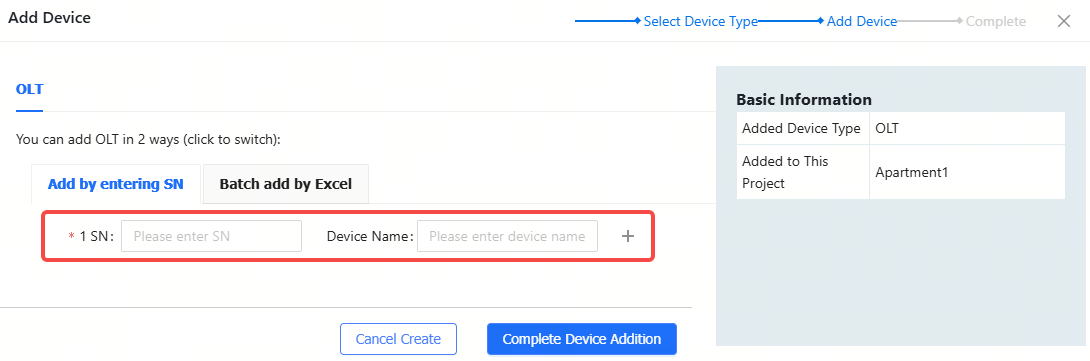
Step 3: Enter the SN (required) and Alias (optional), and then click Complete Device Addition. The length of the SN should be between 6 and 20 characters, and the length of an alias cannot exceed 64 characters. Click  to delete the filled SN, and click + to add more SNs.
Step 4: When the "Add succeeded" prompt appears, the added device will be displayed in the OLT list.

To add OLT devices to a specified project in batches:
Step 1: Click Add.

Step 2: Click Download Template to download the template.
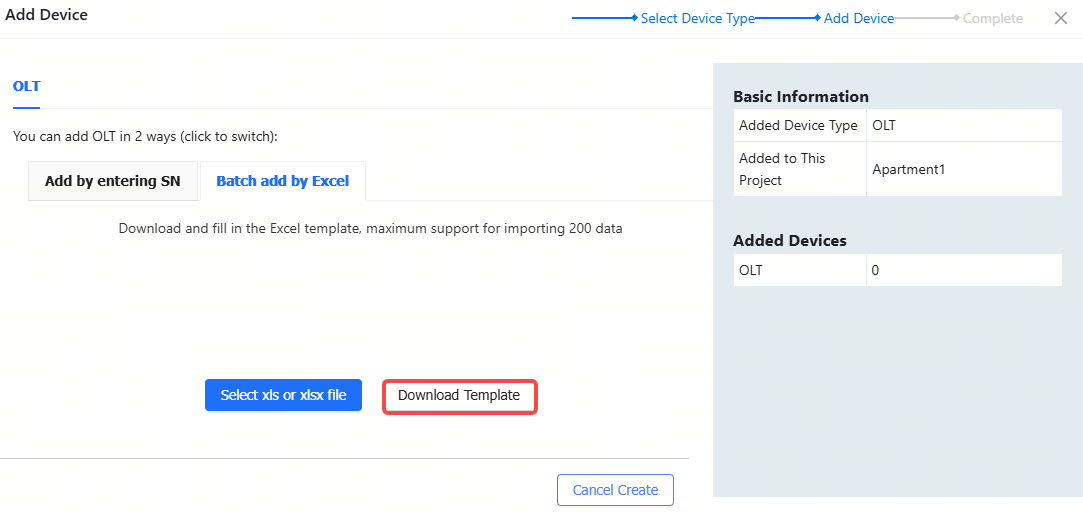
Step 4: Fill in the template. SN is required, while the alias is optional. Up to 200 devices can be imported each time.

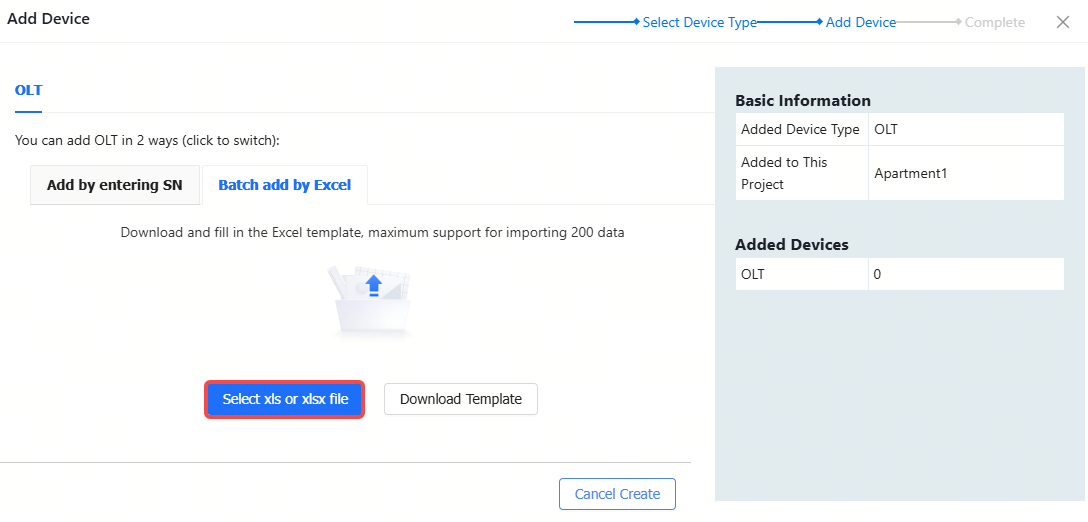
Step 5: Click ".xls" File to upload the completed document.

Step 6: When the "Import succeeded" prompt appears, the imported devices will be displayed in the OLT list.

全部评论