
Follow the steps below to access the AP’s eWeb via JaCS:
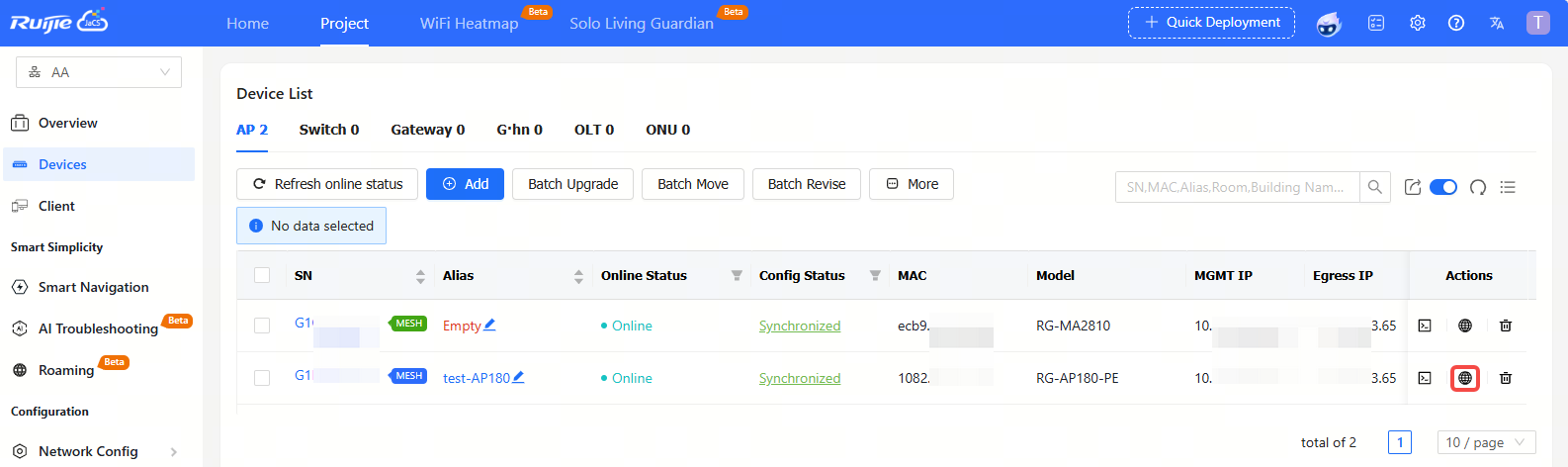
Step 1: Click the  icon in the Action column of an AP.
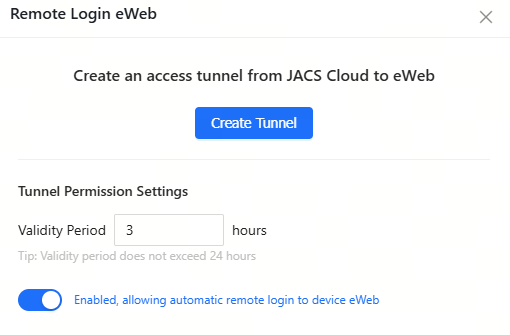
Step 2: Click Create Tunnel.
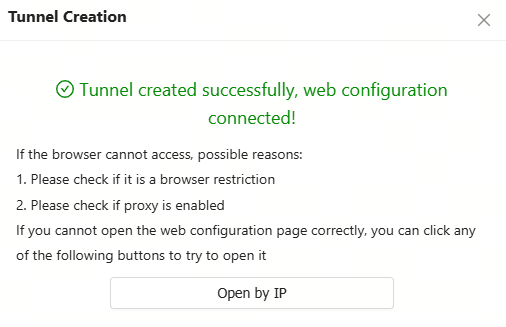
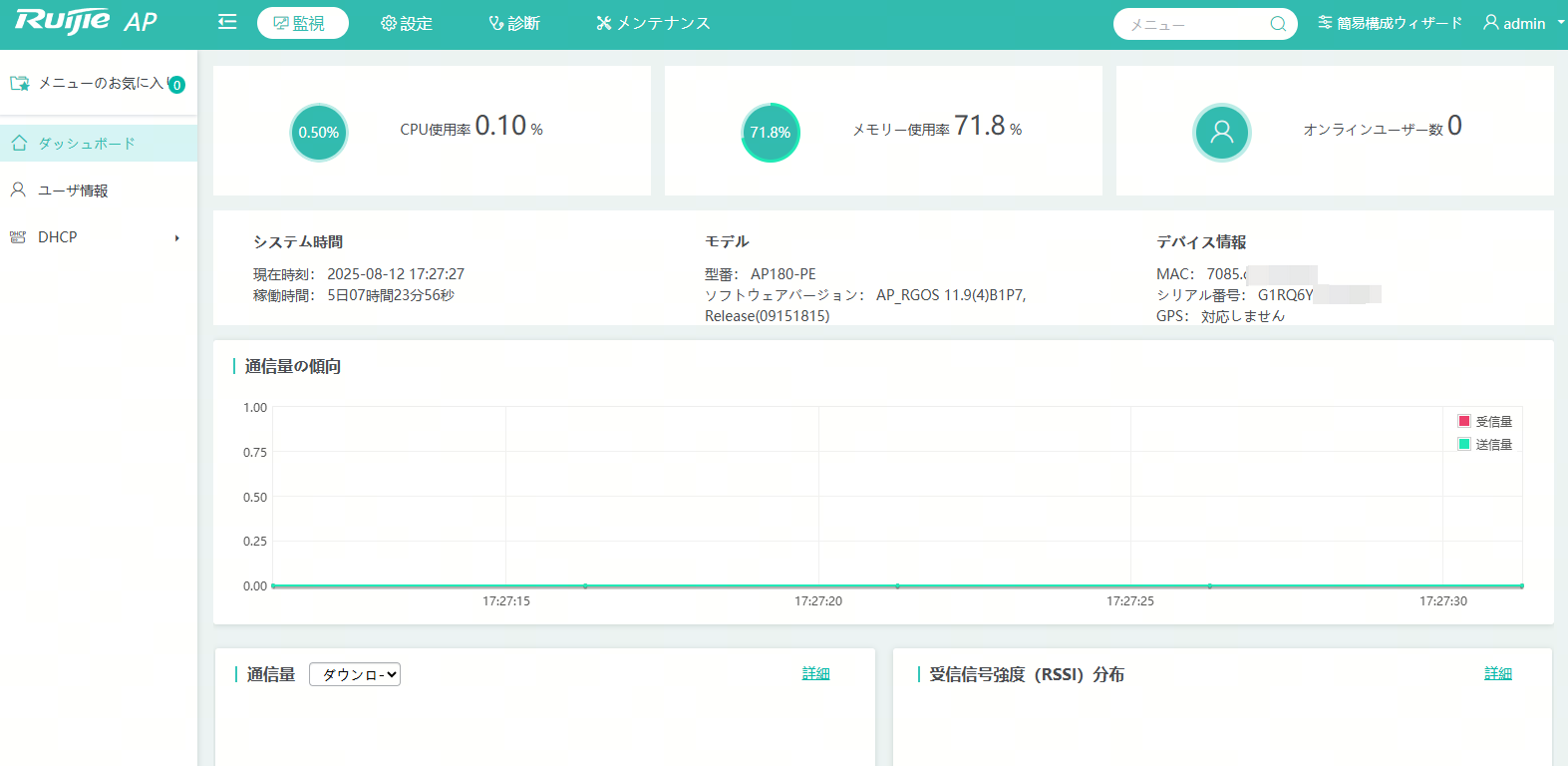
After creating the tunnel, the eWeb interface of the device will automatically open in a new tab. If the eWeb of the device does not open automatically, you can click click here to jump manually or try to recreate the tunnel.
全部评论