
1. JaCS V3.0 refactors the pages for OLT, ONU, and GHN devices, with no impact on interaction or functionality. For detailed feature differences between JaCS_V2 and JaCS_V3, please refer to: https://cdn-japan.ruijienetworks.com/service/api/download/userguide/JaCSV2V3_en.pdf
2. Add the 'First Online Time' field to the device list.
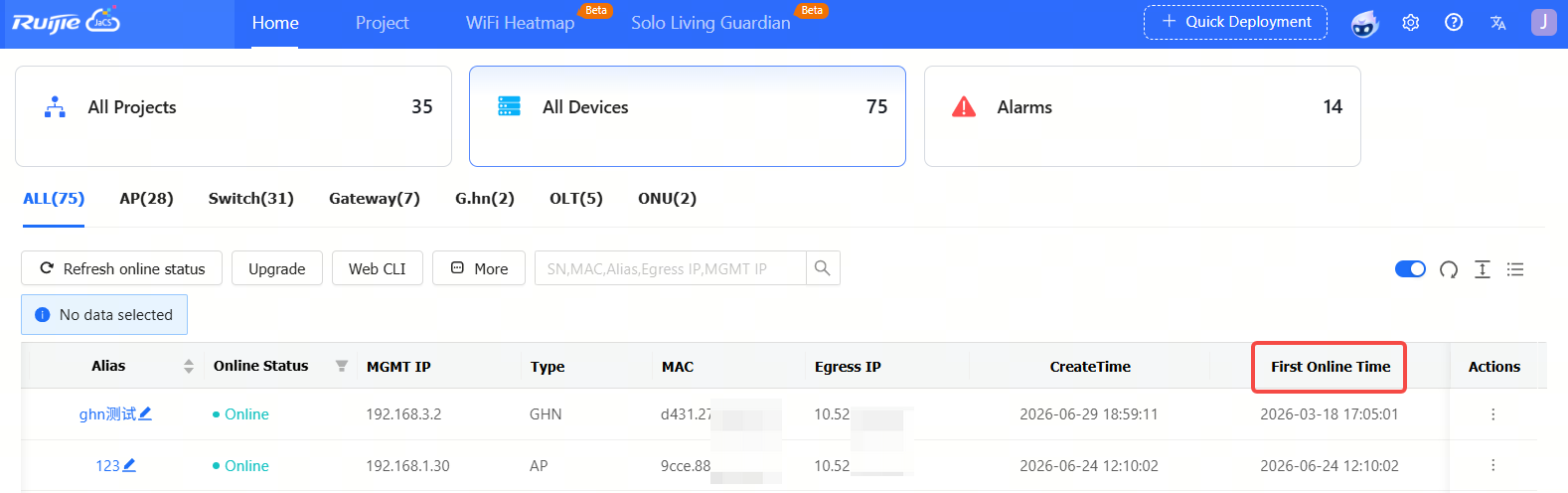
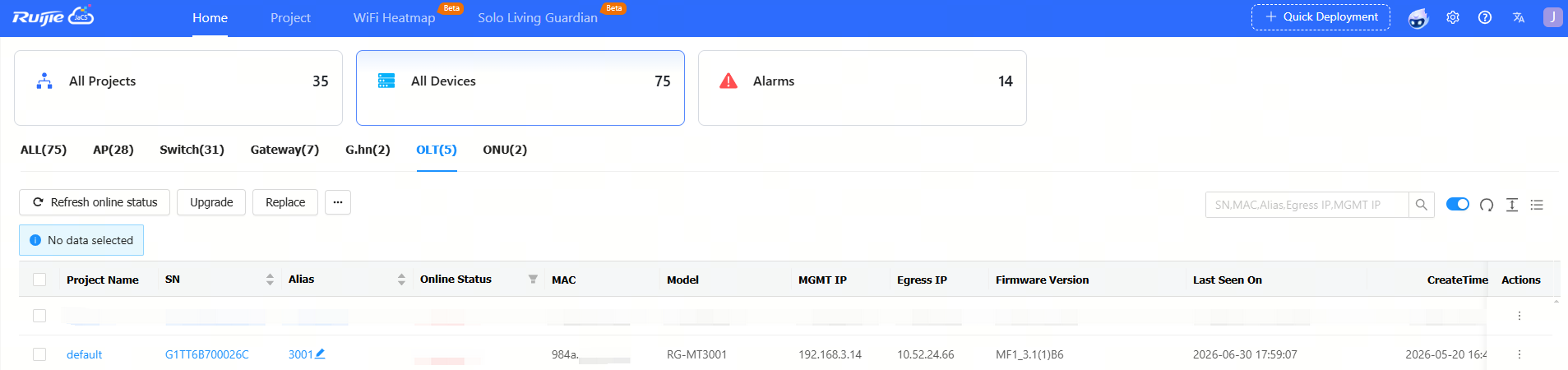
3. Ruijie JaCS has supports MT-3001 device, which shares the same specifications as the MT-3002.
4. Add an entry on JaCS V2.0 to switch to JaCS V3.0.

5. Ruijie JaCS V2.0 will be officially discontinued on September 20, 2026.
1) Seamless Transition: Log in with your current account and password to access V3.0 automatically. All data (tenants, devices, and network configs) is fully interoperable and safely retained.
2) Upgraded Features: V3.0 improves overall usability and upgrades core functions like Independent Living Care, AI Troubleshooting, and Dr.R Assistant.
3) Easy Rollback: Before the final shutdown, a one-click switch is available on the new page to revert to V2.0, helping you adapt smoothly.
For any operational issues, please reach out to our Technical Support.
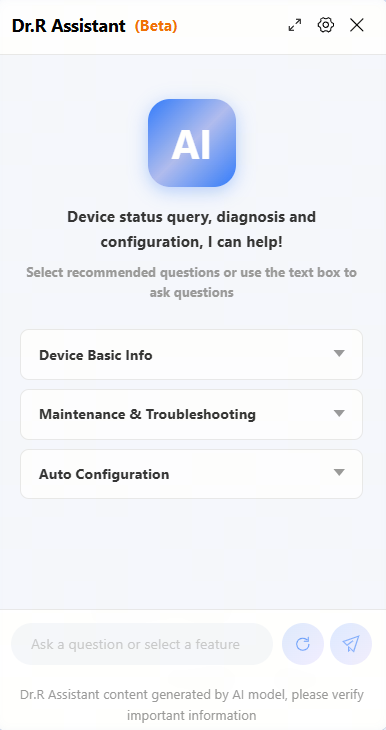
5. Dr.R Assistant (Beta): Improved AI Q&A feature. Now supported in JaCS_V3.0, you can use AI to send basic commands to AP180 series devices.
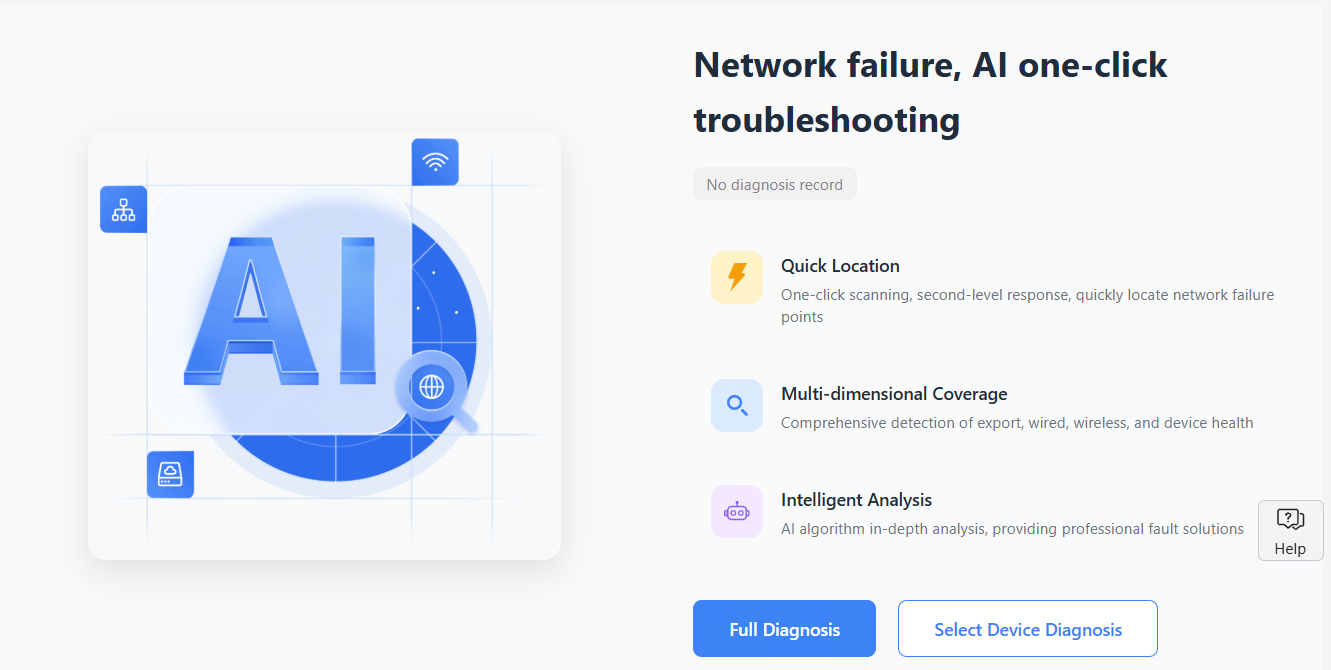
6. The AI troubleshooting feature supports the RG-AP180-AC/PE(V4) devices
1. Updated the roaming feature to only allow configuration under Level 1 projects or groups.
2. The Upgrade and Upgrade All buttons will not be displayed for sub-accounts. 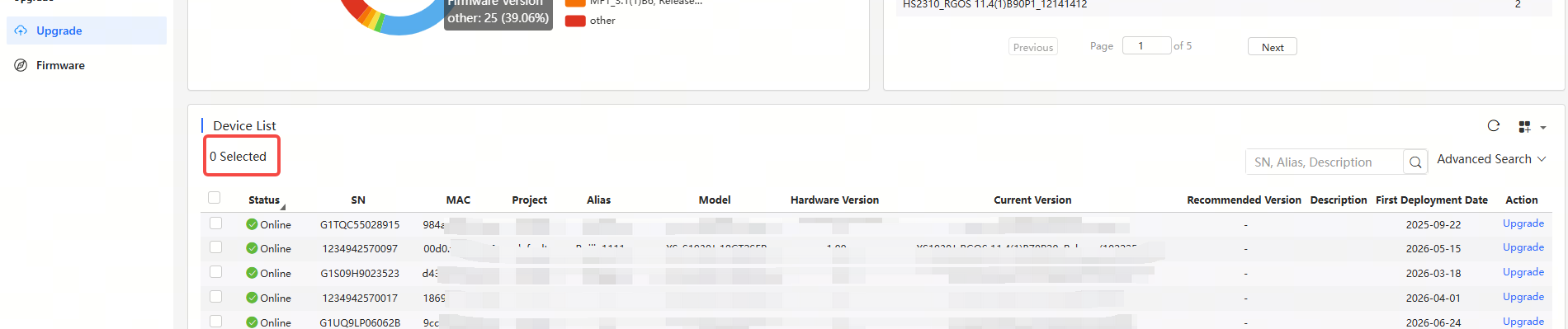
3. JaCS V3.0 is fully compatible with all device features in JaCS V2.0. Please note that JaCS V2.0 will be officially shut down on September 20, 2026.
1. Fixed an issue where the AI assistant was inaccessible.
No. | Module | Description |
1 | Device | Up to 200 devices can be imported each time. To import more than 300 devices, users need to do it in batches. |
2 | Configuration | Configurations of up to 200 devices can be imported each time. To import configurations of over 200 devices, users need to do it in batches. |
3 | EXCEL template | For Excel template, only the XLS format is supported. |
4 | SSID | SSIDs can be made up of numbers, English letters, and “-“. |
5 | Custom excel template | In an Excel customized template, A to Z columns and 1 to 15 rows are supported. |
6 | AP | Account-based policies may fail on some models, such as AP680(CD), where they are disabled by default. In this case, users need to batch apply from the Cloud the web-auth acct-update-interval 1 command to enable those policies. |
7 | SSID reverse sync | The Cloud does not support SSIDs containing special characters. If set on end devices, such SSIDs will fail to be delivered, after synchronization, by the Could. |
8 | 00000JAPAN Wi-Fi | In the Apartment Scenario, if the device goes offline after 00000JAPAN Wi-Fi is enabled, and then goes online after 00000JAPAN Wi-Fi disabled, Cloud will not re-configure the Wi-Fi settings on device. You need to clear 00000JAPAN Wi-Fi configuration manually. |
9 | AP | In Non-apartment Scenario, please clear the configuration on devices except AP180 before bring them online; otherwise, the configuration on devices may be conflict with that on Cloud, and the client may not be able to access the Internet. |
10 | AP | In Non-apartment Scenario, if the working mode (bridge mode or routing mode) of AP180 is different from that on Cloud, the client may not be able to access the Internet. |
11 | TOPOLOGY |
|
12 | TOPOLOGY | The uplink ports of some switches cannot be shielded in the topology as the Cloud fails to identify them. Included: XS-S1930J-8GT2SFP, XS-S1930J-8GT2SFP-P XS-S1930J-18GT2SFP, XS-S1930J-18GT2SFP-P XS-S1930J-24GT4SFP/2GT, XS-S1930J-24GT4SFP/2GT-P XS-S1930J-48GT4SFP |
13 | Initial Configuration Template | The template can only be applied to AP180 series access points in Apartment networks. |
14 | CLI Commands | Only for AP and CAP series products. |
15 | WPA3-SAE | Only for MA2610 and MA2810 access points in hotel networks. |
16 | Device Details-Back Up | Only for apartment networks. |
17 | Network Management | Level 5 subnetwork group is supported. |
18 | Upgrade Policy |
|
19 | RG-HS2310-16GH2GT1XS | Ruijie JaCS doesn’t support displaying the configurations of G.hn ports as well as delivering configurations to them. |
20 | Project | Up to 200 projects can be created each time when you use the batch template to create projects. |
21 | ZTP | Only for RG-EG5210-JP gateway and XS-S1620J series switches. |
22 | XS-S1620J configuration file rule | Refers to Managing ZTP configuration file |
| 23 | AI Troubleshooting | Currently supports only the AP180 and S1930J series devices. |
全部评论